











When you think Startup Toolkit, you want simple, cheap, fast. You think AI is expensive and complicated? let me prove the opposite. Below are tools you can start using today, with free options and practical examples.
Each tool includes:
- What it does
- When to use it
- A quick way to get started

ROLE 1: MVP Developers – “I need a product MVP this week”
- Chef by Convex
What it is: An open-source builder that generates a real web app you can run, then edit — it sets up the database, auth, and UI in 24h.
Use it when: You have a platform idea and want something people can start using today.
Free start: Use the hosted playground, export the code, push to a free deployment.

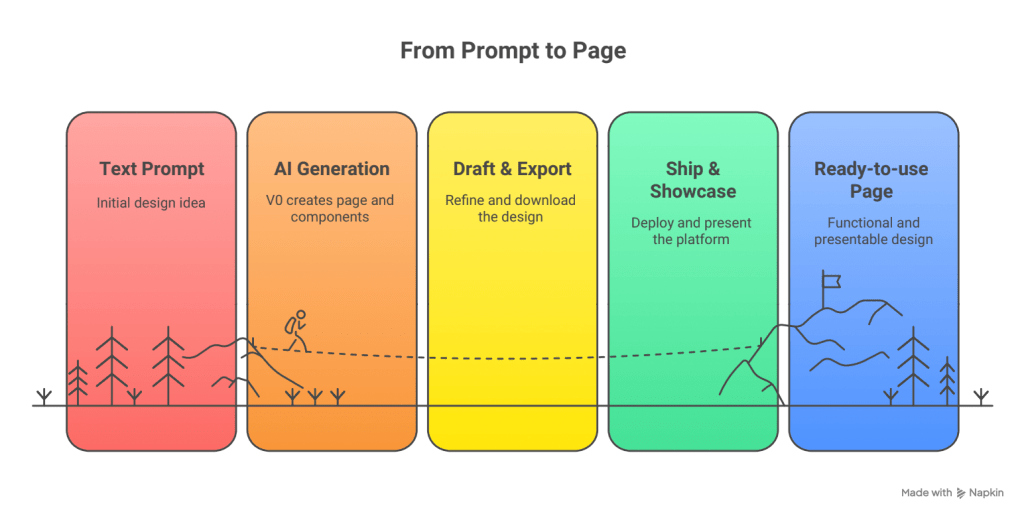
2. v0 by Vercel
What it is: An AI assistant that seamlessly turns text prompts into ready-to-use pages and components, simplifying the design process.
Use it when: You want a quick and effective design of your MVP, landing page, or demo, enabling faster iterations and implementations.
Free start: Draft, export, ship – no design skills needed, allowing anyone to create and launch professional-looking projects easily. 
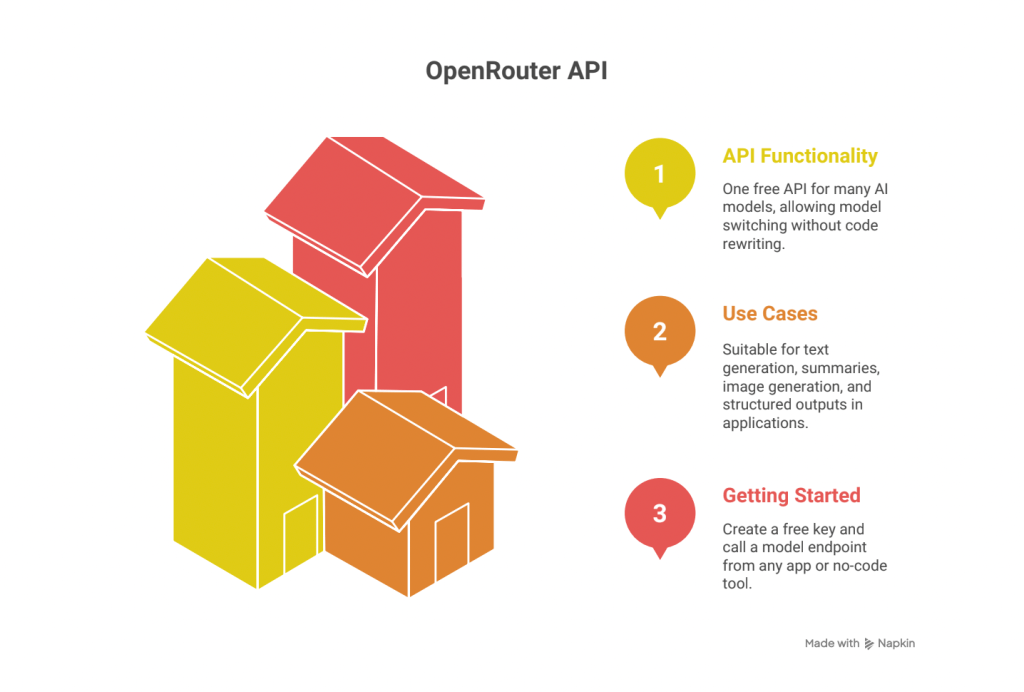
3. OpenRouter (free API)
What it is: One free API for many AI models, including free ones. Switch models without rewriting code.
Use it when: Your app needs AI for text generation, summaries, or images.
Free start: Create a key, call from any app or no-code platform.
Bonus tools for MVP builders:
- Cursor IDE: Code with AI helper
- TestSprite: Debug and generate test code
ROLE 2: Sales – “I need leads and trust fast”
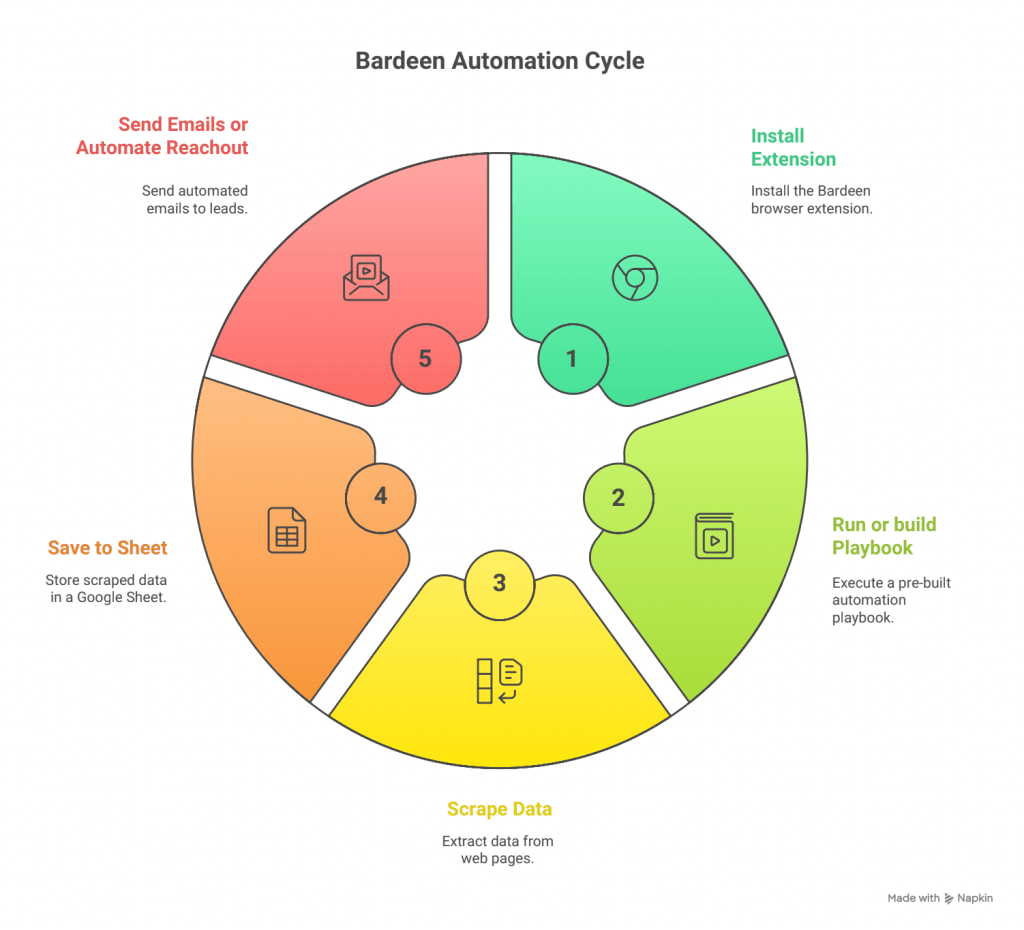
- Bardeen
What it is: Browser automation to scrape web data and trigger actions.
Use it when: You want to pull leads from platforms like LinkedIn straight into Google Sheets.
Free start: Install the extension and run a starter playbook.
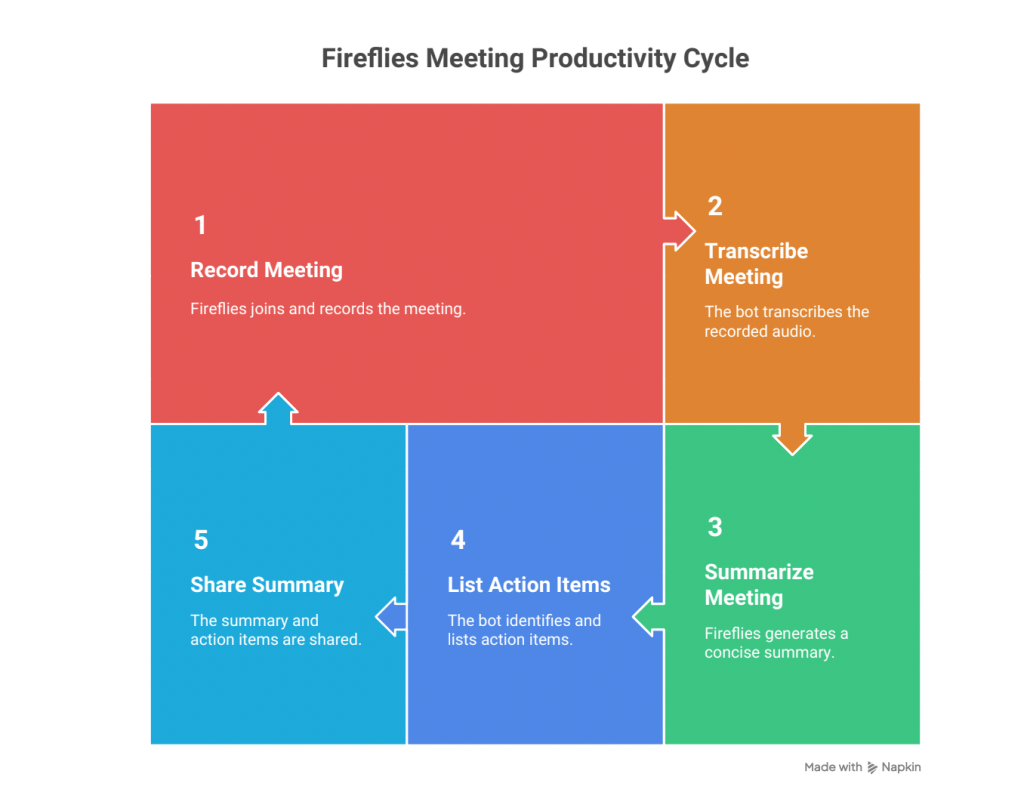
2. Fireflies
What it is: A bot that records meetings, transcribes, and gives summaries on a free plan.
Use it when: You forget call details or hate taking notes.
Free start: Invite it to your next call.
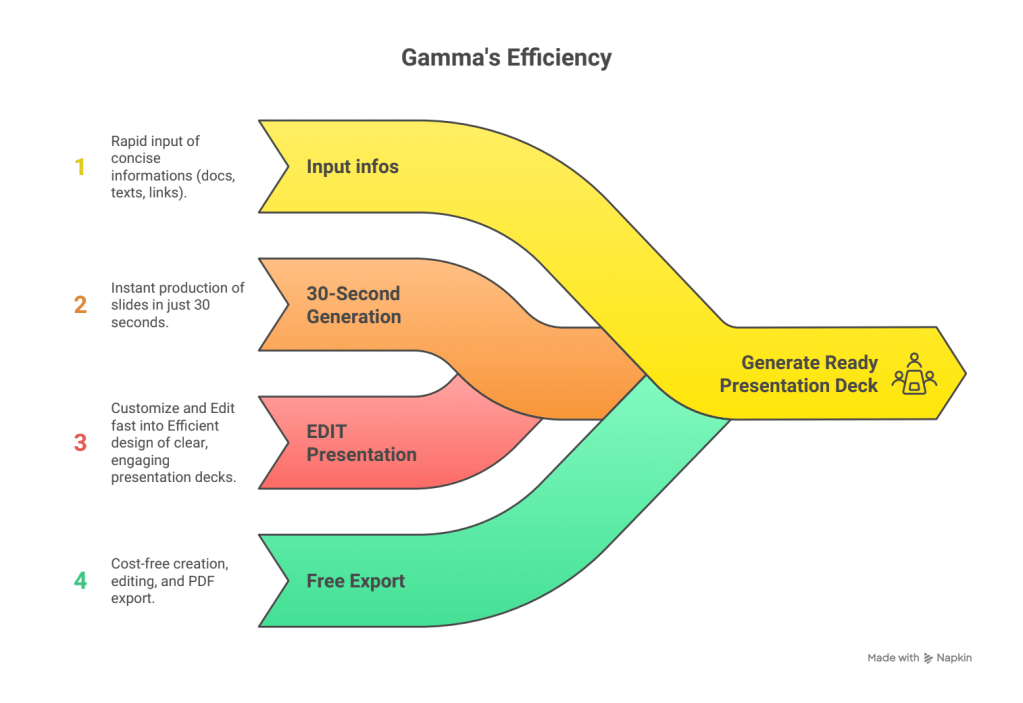
3. Gamma
What it is: Generate one-pagers and presentation decks in 30 seconds.
Use it when: Investors need a pitch deck today.
Free start: Create, edit, and export to PDF for free.
ROLE 3: Marketer – “I need content everywhere, without a team”
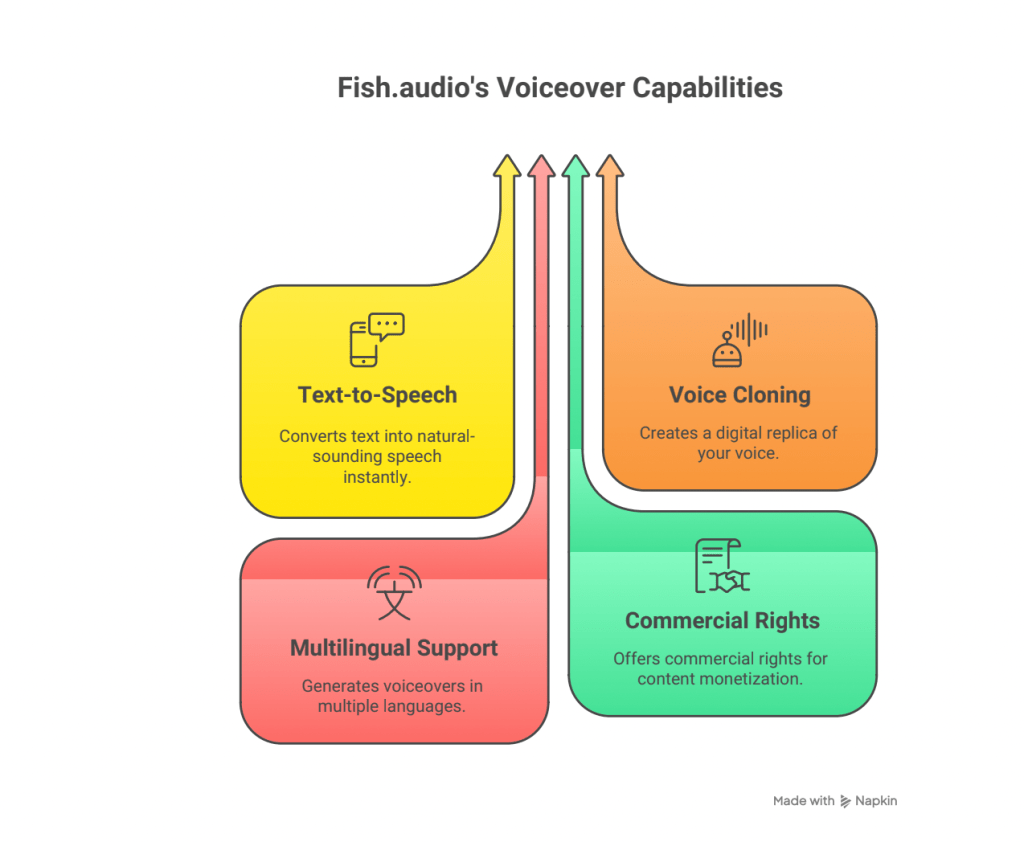
- Fish.audio
What it is: Text-to-speech with instant voice cloning.
Use it when: You want personalized voiceovers or multilingual audio.
Free start: Use the personal plan; upgrade for commercial rights.
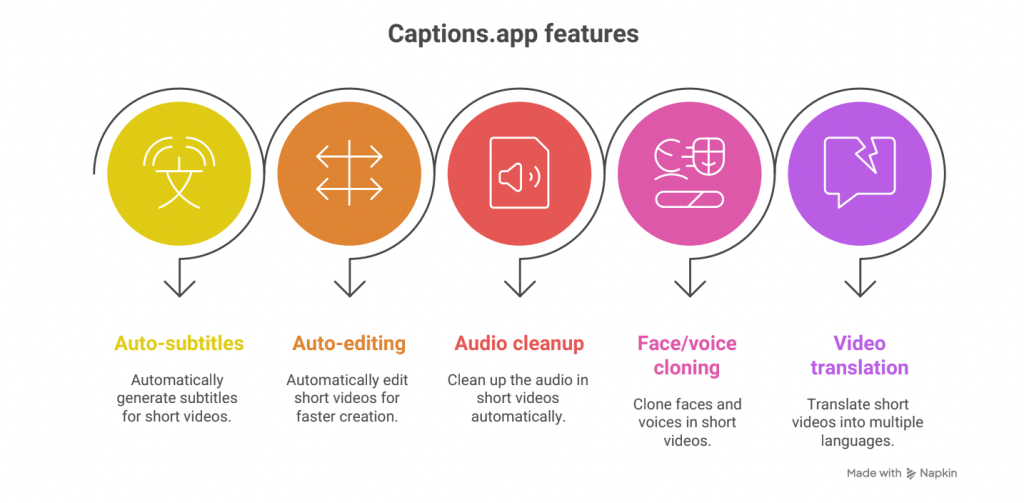
2. Captions.app
What it is: Video editor with auto-subtitles, editing, and translation.
Use it when: Creating fast Reels, Shorts, or TikToks.
Free start: Record, auto-edit, export, post.
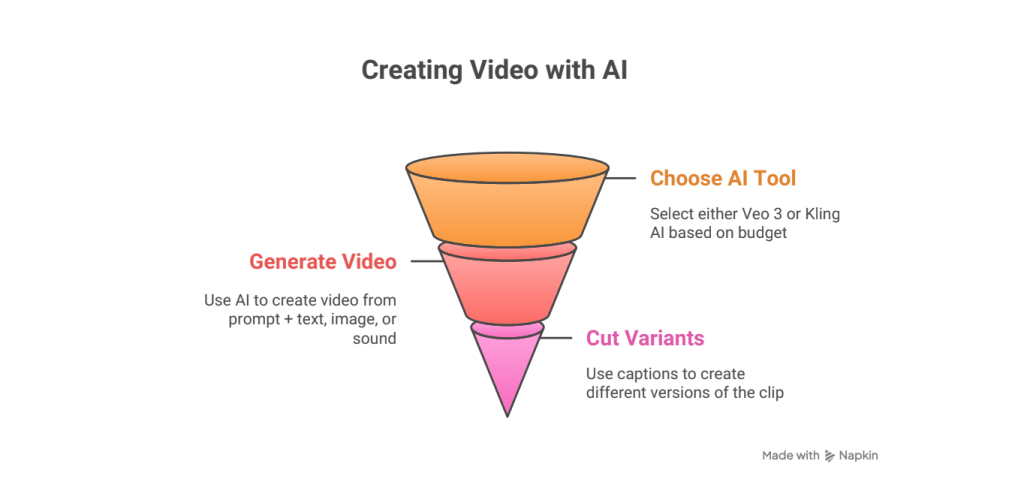
3. Kling AI or Veo 3
What it is: Text-to-video tools for high-quality promos.
Use it when: You need branded video content for a launch.
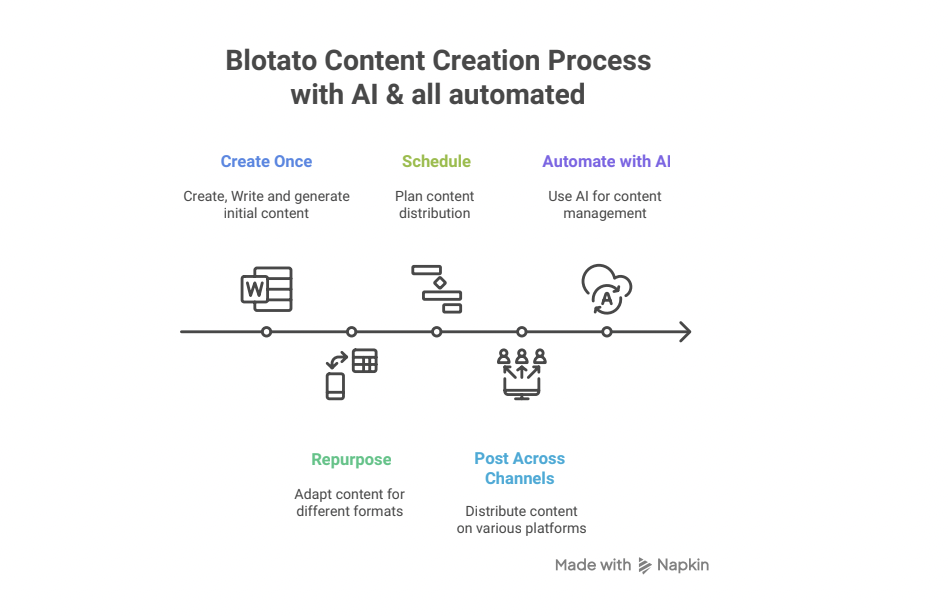
Bonus: Blotato – AI-powered content repurposing and scheduling across platforms.
ROLE 4: All Teams & Admin – “I need order and speed”
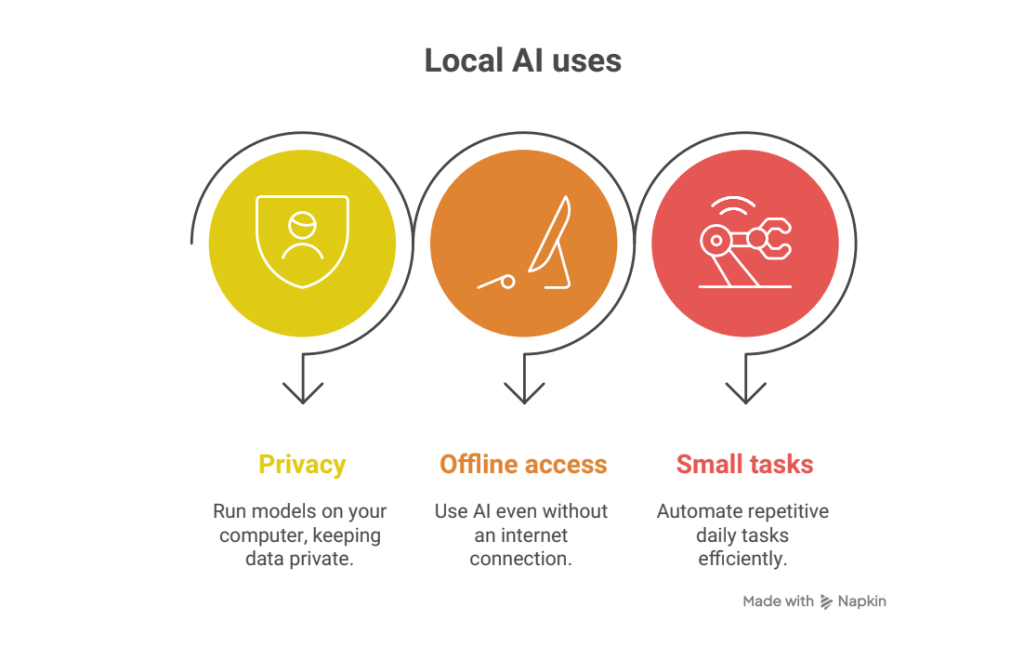
- Local AI Tools (Ollama, LM Studio, GPT4All)
What it is: Run AI models locally on your laptop — private and free.
Use it when: You work with sensitive data or offline.
Free start: Install and load your preferred model.
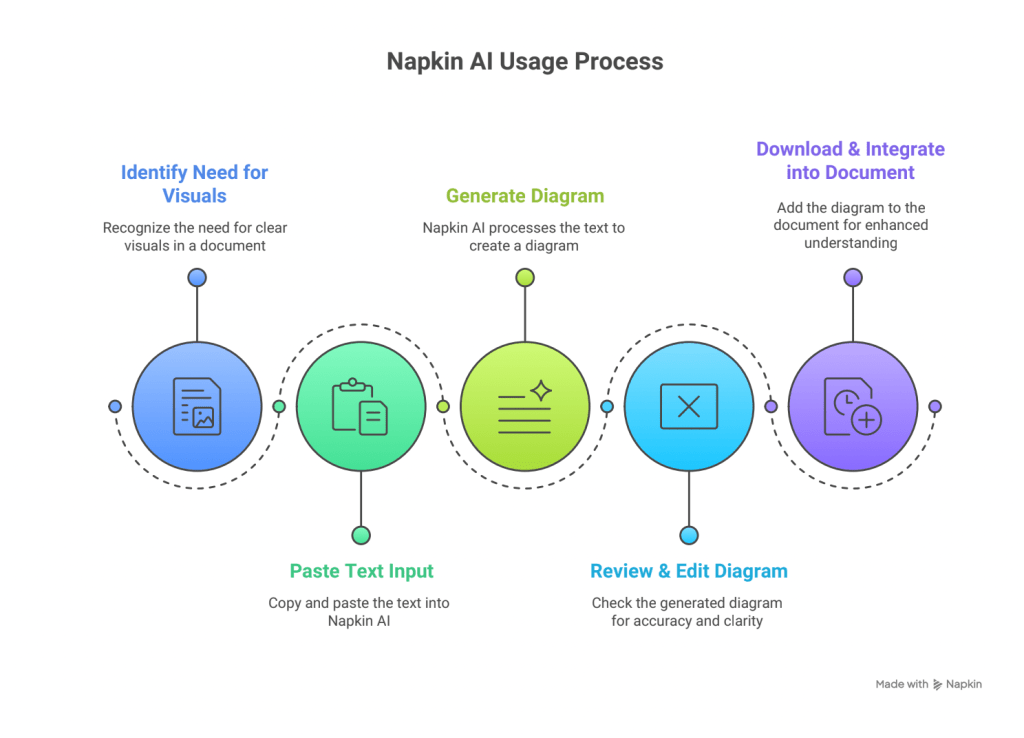
2. Napkin AI
What it is: Turns text into diagrams.
Use it when: Making simple visual explainers.
Free start: Use the free version to make clean flowcharts.
ROLE 5: Automate on a Free Budget – “I want my business to run itself”
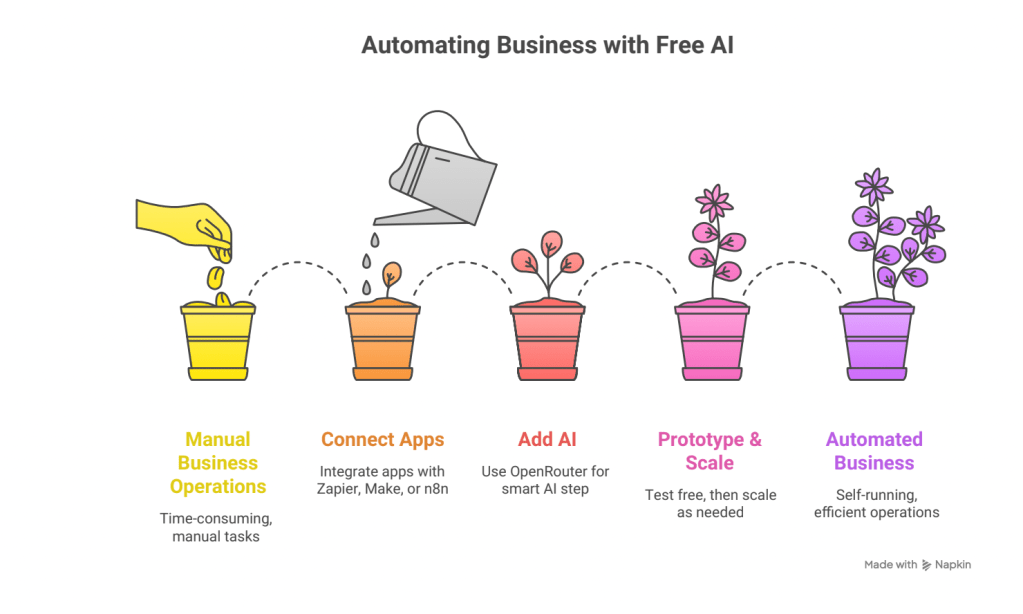
Use platforms like Zapier (free), Make (free), or n8n (open-source) combined with OpenRouter’s free AI models to automate your business workflows, from lead capture to notifications. Start free, scale only when necessary.
💡 Why this stack stays cheap
- Start with free plans and only upgrade if it saves time or makes money.
- Switch AI models via OpenRouter without changing code.
- Use local AI for drafting or private data.
- Automate with Zapier or Make before investing in higher-tech systems.

Amahali Walet Elmehdi, Ceo of Ko-nect.ai